
By default, all emails related to scheduling links in a workspace are sent from [email protected]. These emails are delivered to both you (the host) and your clients.
To maintain your brand identity, you can choose to send emails from your own domain by connecting your Outlook account. Once your Gmail account is connected, clients will receive emails from your email address only for the scheduling links where you are the host.
Emails for scheduling links hosted by other team members will continue to be sent from [email protected].
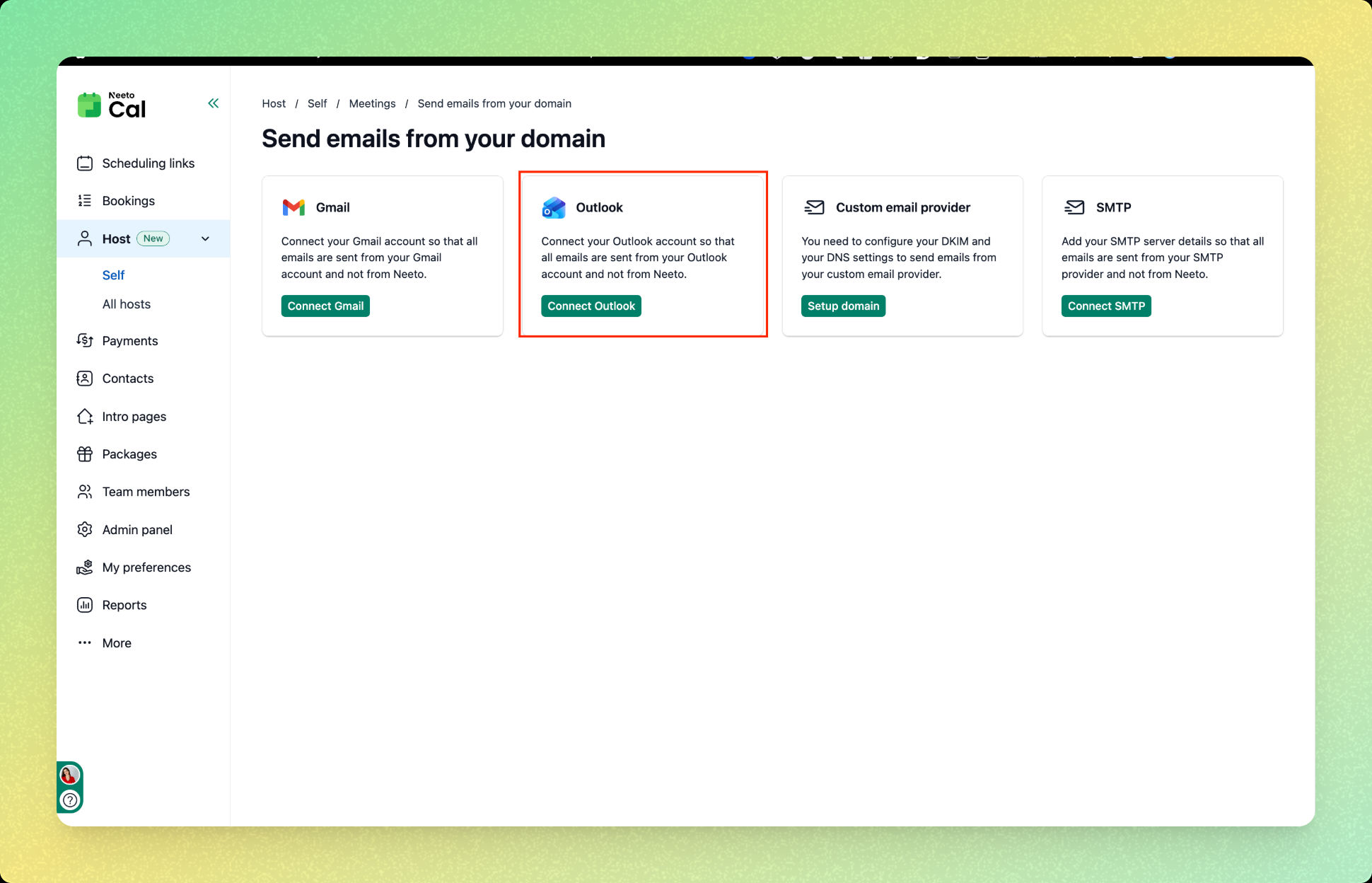
Go to Host (Self) tab.
Click on Email delivery.
Click on Outlook.
Click on Connect Outlook.
Choose an account for Outlook integration.
Click on Continue.
Once connected, you will see the message "You are connected to Outlook" and all future emails will be sent from your connected Gmail account.