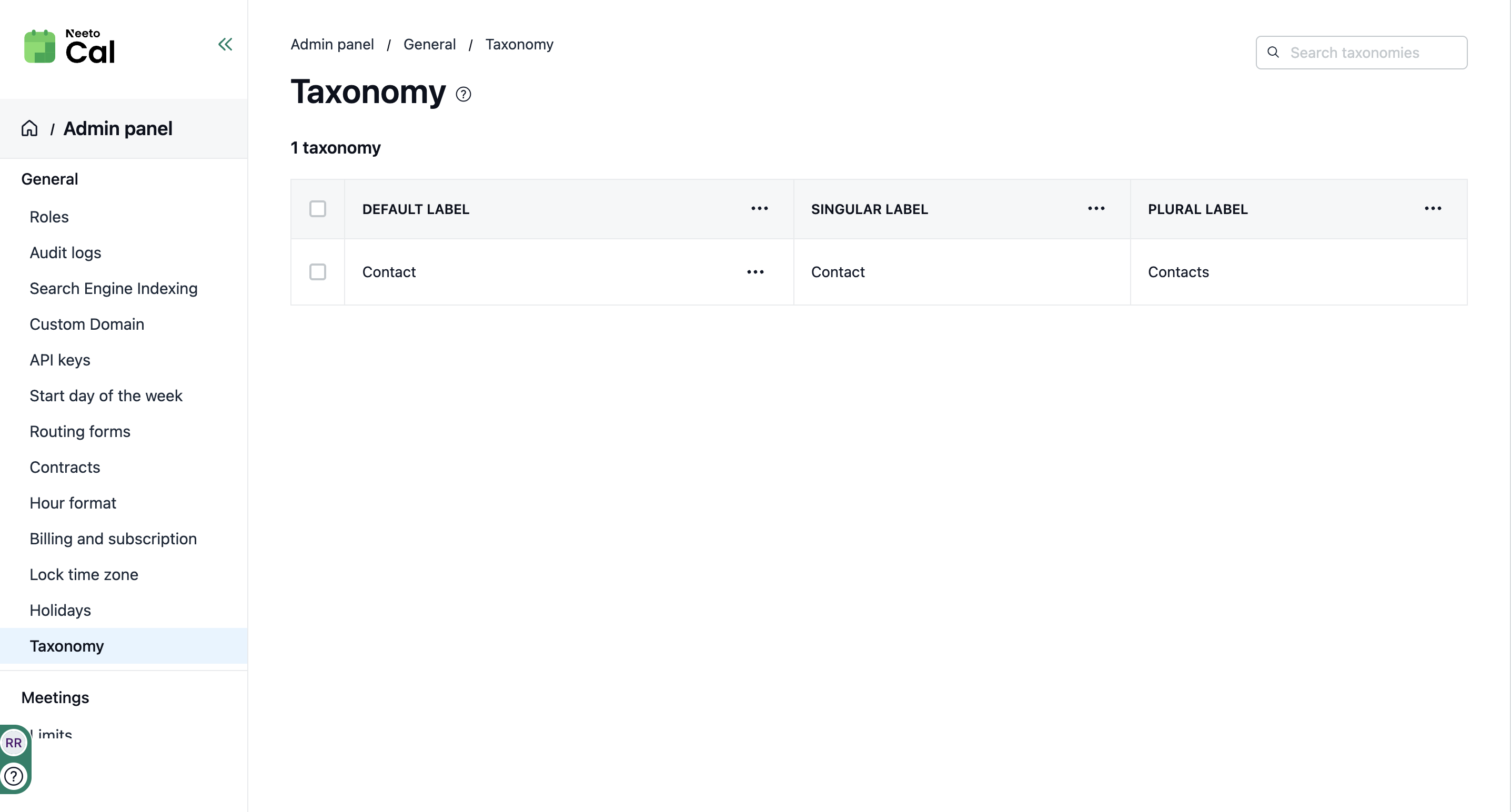
Different businesses use different terms for the people they work with. Some say customers, others say clients, patients, members, students, guests, donors, or leads. Neeto shouldn’t force you to use a generic label that doesn’t match your business.
Taxonomy lets you customize the wording across the app to match your team’s language. For example, you can rename “Contacts” to whatever fits your workflow, and Neeto will use that term consistently across the product, including navigation, buttons, forms, and messages. This keeps things familiar for your team and reduces confusion.
Customizing Taxonomy
Go to Admin Panel.
In General, click on Taxonomy.
Click on Three-dot menu next to the default label.
Then, click on Edit.
A pane will appear where you can change the terminology.
Save the change