

If you expected video link for Zoom, Google Meet, or Microsoft Teams but received Jitsi link instead, it is likely due to a disconnected integration or a missing setup for a team member.
Since Jitsi does not require integration, NeetoCal uses it as a fallback to ensure your meeting always has a valid video link.
Common causes
Your video conferencing integration was manually disconnected or expired/disconnected automatically die to some reasons.
-
In Round Robin setup, every member must integrate their own video account. If the assigned member hasn't connected their account, the system defaults to Jitsi.
-
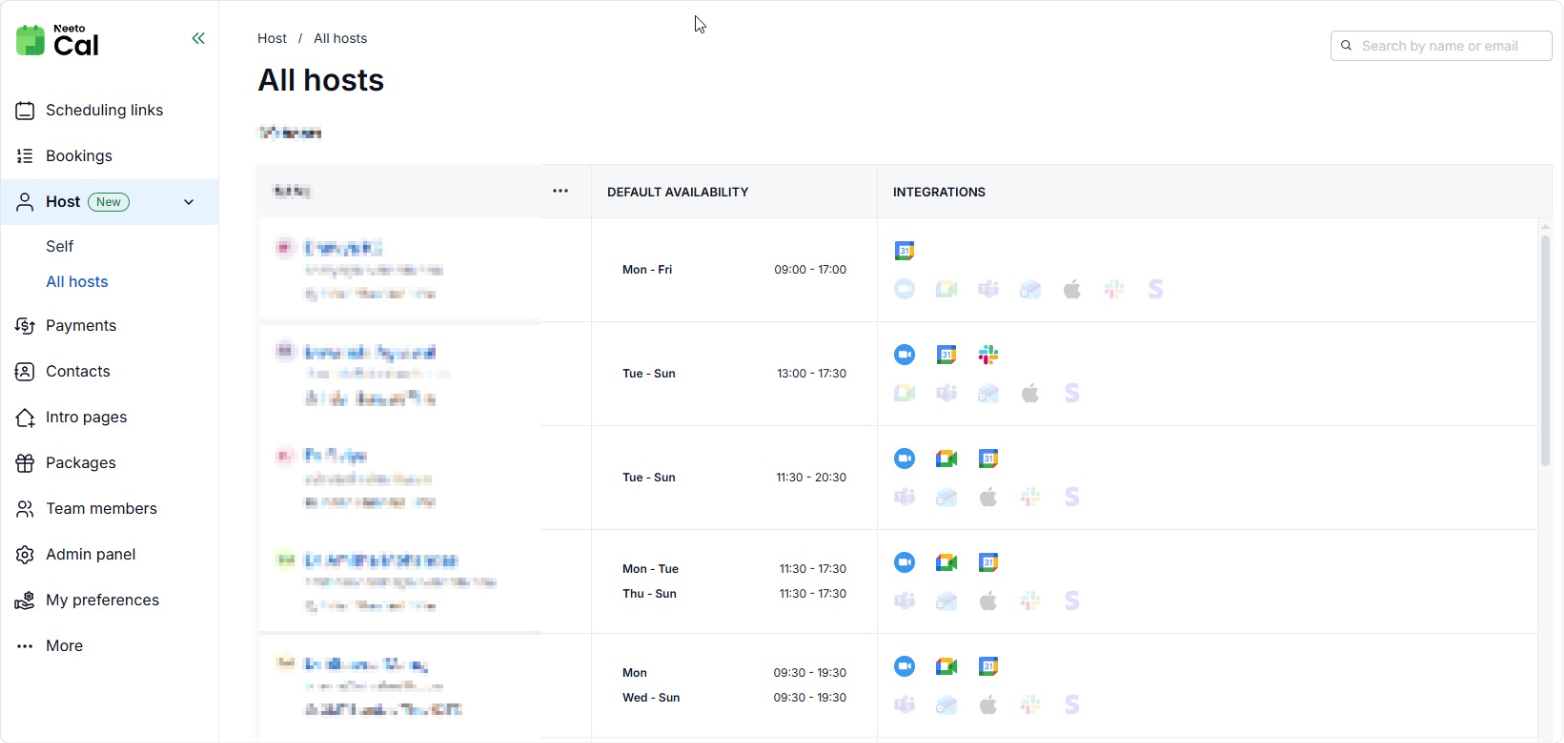
To verify this, check Host > All hosts to see who is missing an integration.
-
Fixing for new bookings
-
Check your Integration
Go to the Host (Self) tab.
Under Video Integrations, verify if Zoom, Google Meet, or Teams is active.
If you use Daily.co or Whereby, check this under Admin Panel > Video Integrations.
If the status shows as disconnected, click to re-integrate your preferred tool.
-
Update scheduling link
Open your specific Scheduling Link settings.
Go to the Where tab.
Ensure your preferred video tool is selected as the primary option.
What happens to already scheduled bookings
As soon as you reconnect, every upcoming booking that fell back to Jitsi while your platform was disconnected updates to your connected video link. This includes bookings that were created or rescheduled while it was down. The calendar events and booking pages are updated with the new link.
Bookings in the past, and bookings where Jitsi was chosen on purpose, are left exactly as they are.
There is nothing to review or click, and NeetoCal does not send extra "meeting location updated" emails for these changes, so your hosts and clients are not flooded with notifications.