

PayPal is one of the most widely used payment platforms. By connecting PayPal to NeetoCal, you offer your clients a familiar and secure way to pay for meetings.
They can choose to pay via their PayPal account or use a credit/debit card , even if they don't have a PayPal account themselves.
To connect PayPal with NeetoCal, you need a PayPal Business account.
If you currently have Personal account, you can upgrade it to a Business account from your PayPal settings.
Go to Admin Panel from the left sidebar.
Click on Payment Integrations.
Click on the PayPal card.
Click on Connect PayPal.
Go to https://developer.paypal.com and log in.
Go to Apps & Credentials.
Create a new app or select an existing one.
Copy your Client ID and Client Secret.
Enter the Client ID and Client Secret in NeetoCal.
Click on Connect PayPal.
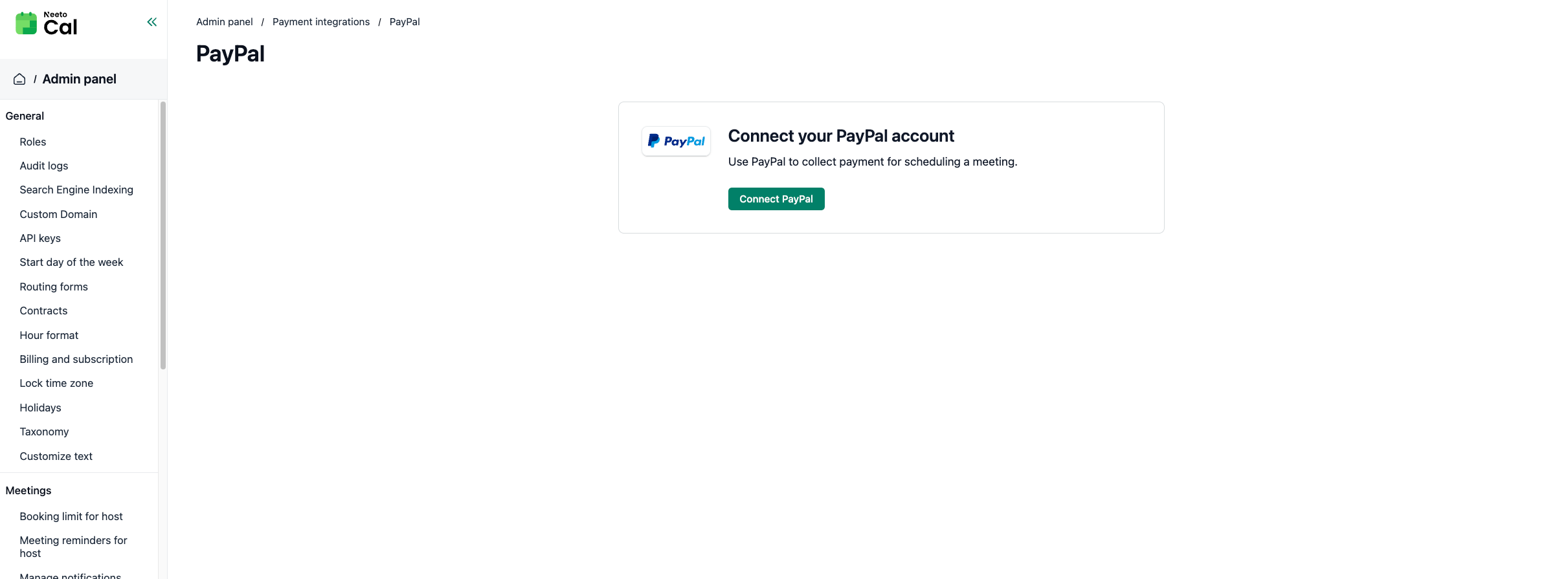
Once connected, you should see the message confirming your PayPal account is successfully connected to NeetoCal.
Enabling recurring payments
If you plan to accept subscription or recurring payments through NeetoCal, you must enable the following features in your PayPal app.
1. Go to developer.paypal.com and log in with your PayPal Business account.
2. Go to Apps & Credentials and make sure you are in Live mode.
3. Select the app you created for NeetoCal.
4. Scroll down to App feature options (under Live App Settings).
5. Check Advanced Credit and Debit Card payments and Save payment methods.
6. Save your changes.
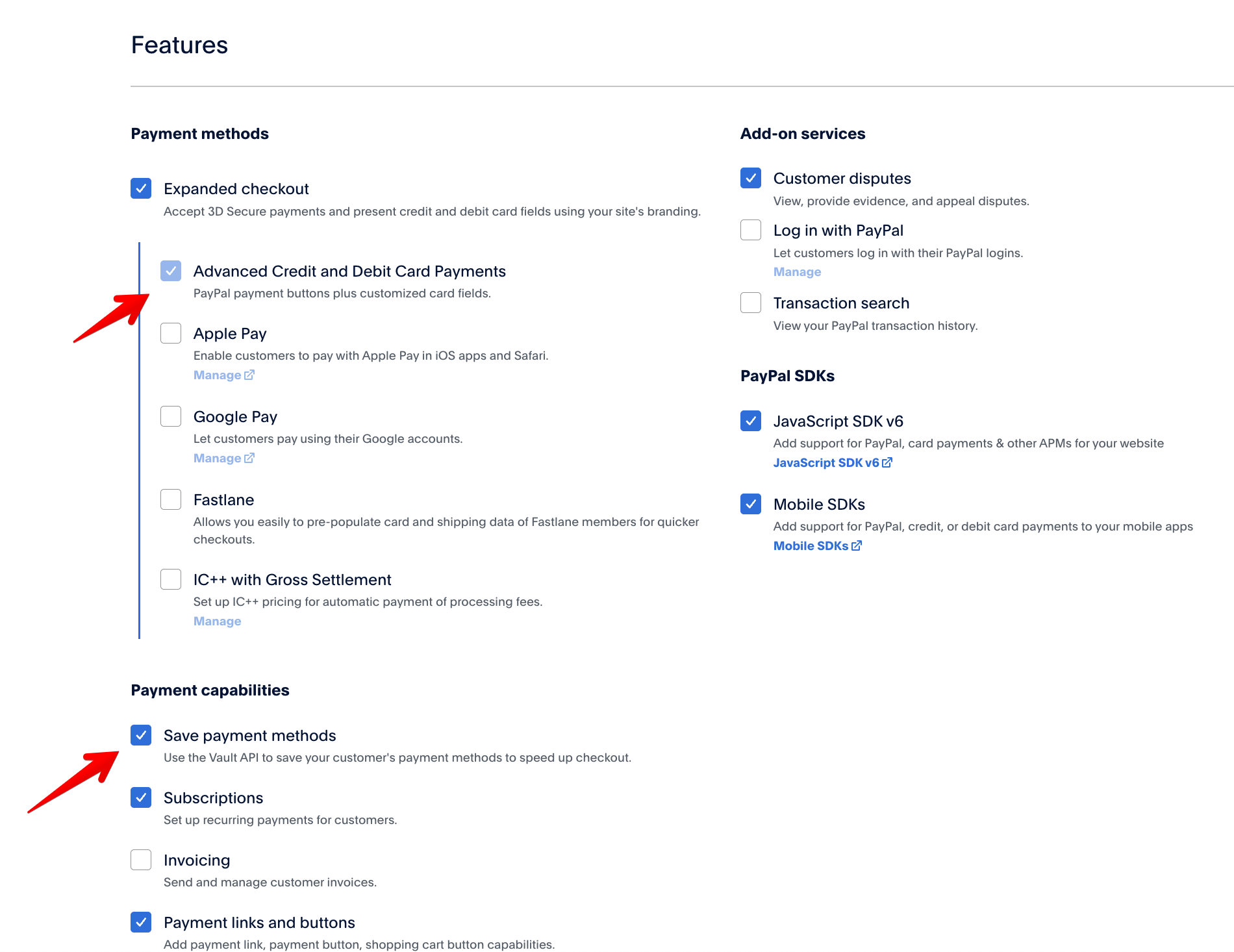
Without these options enabled, recurring payments will not work.
Payment methods
PayPal integration supports two payment methods:
PayPal account Clients can pay directly using their PayPal account.
Credit or debit card Clients can pay with a card through PayPal's secure checkout, without needing a PayPal account.