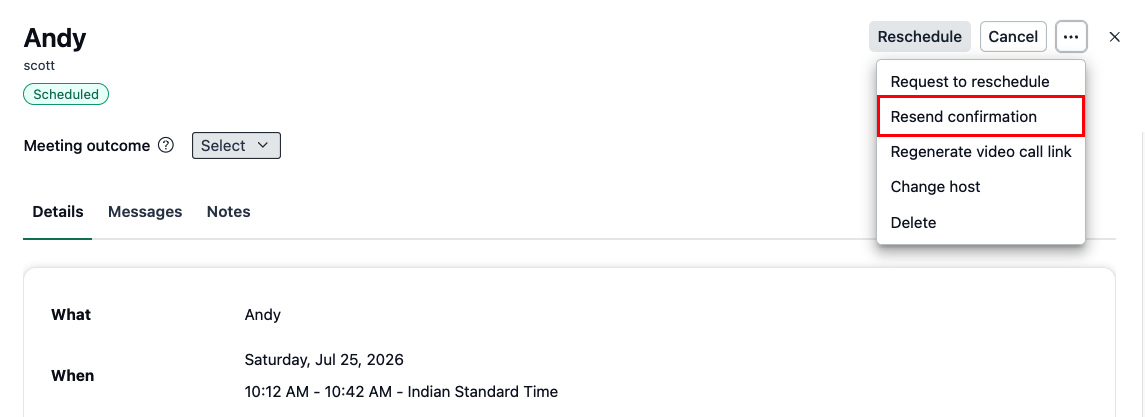

If a customer tells you they didn't receive the booking confirmation, or you need to send the meeting details again, you can resend the confirmation email directly from the booking. This sends the confirmation email to both the host and the customer.
Click the Bookings tab on the left side pane.
Open the upcoming booking and click the triple dots (...) in the top right corner.
Click Resend confirmation.
-
Click the Confirm button to resend the confirmation email to both the host and the customer.